Saves
Import a GTA Vice City PC save (.b or .zip) into a slot. Stored in this browser; make changes here before pressing Start.
Skins
Change how Tommy looks. After starting the game, open Options → Player Skin Setup to pick one. Skins only change his street outfit, not cutscenes.
DISCLAIMER:
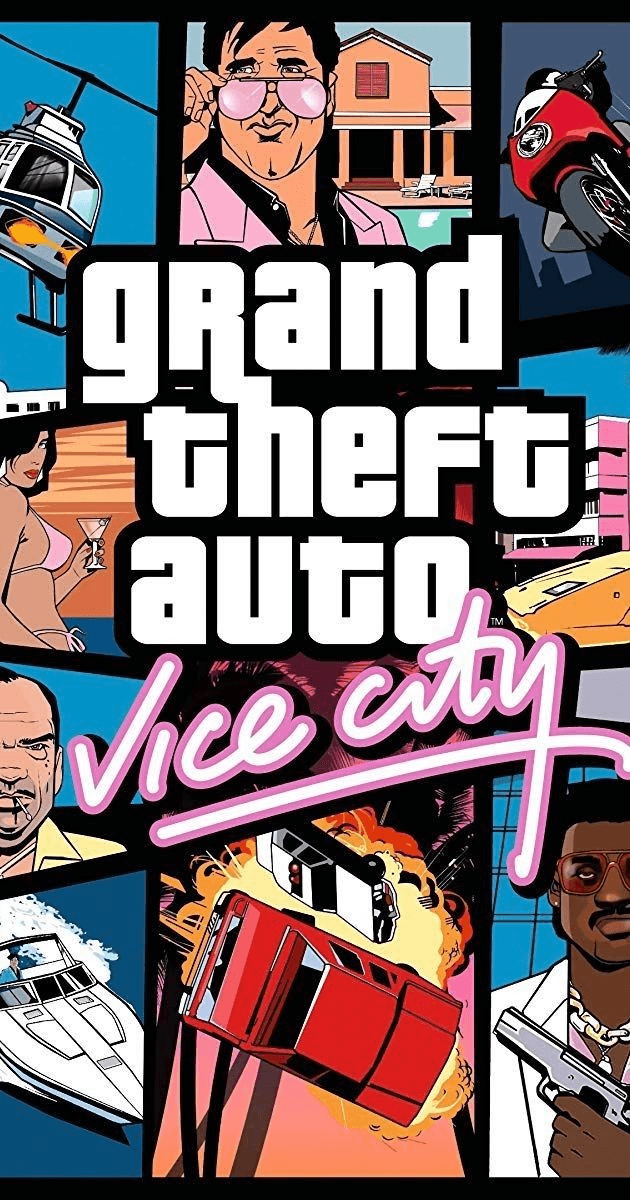
Unofficial fan project, not affiliated with, endorsed by or sponsored by Rockstar Games or Take-Two Interactive. It does not include the game's data files, and you need your own legitimate copy of Grand Theft Auto: Vice City to play. All trademarks and copyrights belong to their respective owners.
How to play
- Press Start to play. The first time, the game data downloads once.
- Click the screen when it says "Click to continue".
- Use the fullscreen button in the top-right corner of the game.
- Press Esc to leave the game and return to this page.